VIRTUAL
January 17 – June 19, 2024
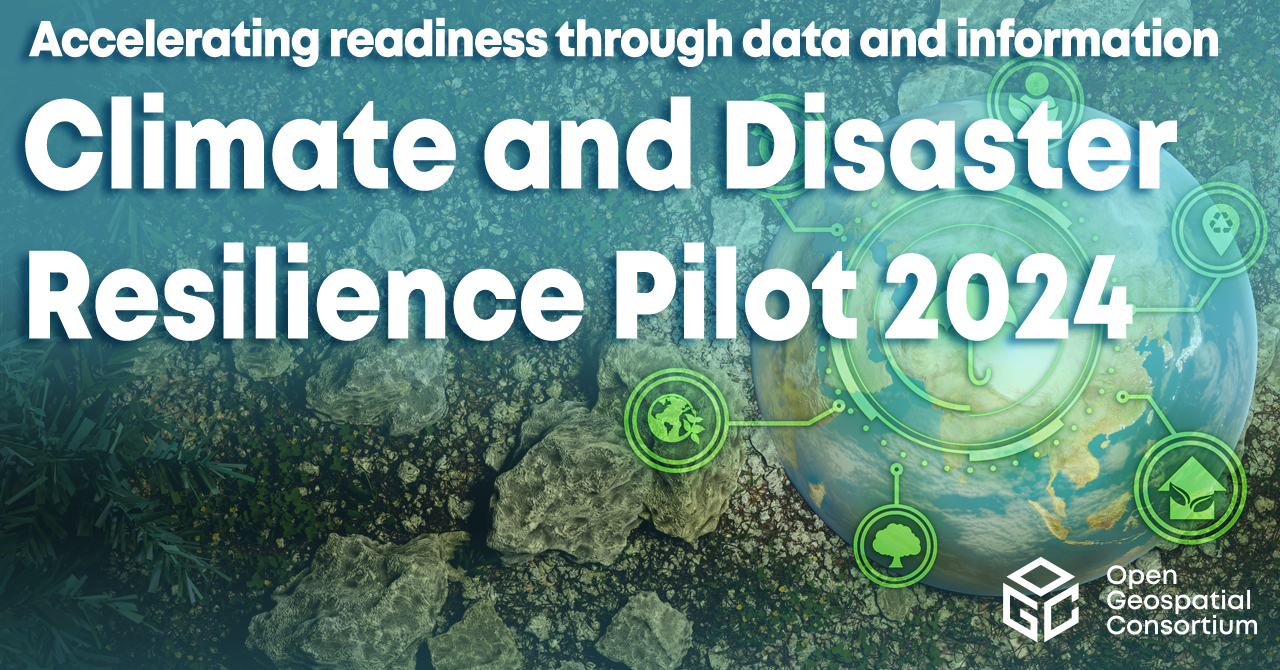
Climate & Disaster Resilience Seminars – 2024
The OGC Stakeholder Community Coordination Group, which brings together members of the Climate and Disaster Resilience communities, has lined up an exciting program of speakers and panels for the first part of 2024. The talks will showcase geospatial technologies and data (especially those leveraging OGC Standards) across a range of applications used in Climate and Disaster Resilience. The talks are free and open to the public. Anyone interested in how spatial data and technology can help us to improve climate and disaster resilience is encouraged to attend.
Seminars are held monthly on the third Wednesday at 11:00-12:30 US Eastern. Each presentation/panel will run for around 30 minutes + time for Q&A. This will be followed by short updates on what\’s happening in relevant OGC Pilots and Working Groups, as well as any upcoming opportunities.
Preliminary Program for Winter/Spring 2024
datespeakertopic17 JanPaul English (Tracking California, Public Health Institute)Geospatial Environmental Health Products from the Public Health Institute21 FebAnna Liljedahl (Woodwell Climate Research Center)Permafrost Discovery Gateway – enabling big data creation and knowledge-generation to support Arctic communities20 MarchGrey Nearing and Avichai Tendler (Google)Google\’s Global Flood Forecasting Model and Fire Products17 AprilClimate Science + Open Science crossover panel – OSPD participantsHow can open science (geospatial) tools enable climate and disaster resilience?15 MayAllan Jamieson (Ordnance Survey)Can location create trust in supply chains?JuneNo seminar in JuneOGC Member Meeting – informal meetup17 JulyTodd Barr (Verisk)Kate Vavra-Musser (University of Minnesota / iGuide)Title TBC
How to join the seminars:
Link to use from your computer, tablet or smartphone: https://meet.goto.com/809299333
US Participants can also dial in using a phone:United States: +1 (224) 501-3412Access Code: 809-299-333
To join from a video-conferencing room or system:Dial in or type: 67.217.95.2 or inroomlink.goto.comMeeting ID: 809 299 333Or dial directly: 809299333@67.217.95.2 or 67.217.95.2##809299333
Members can also access the info using the OGC Portal Calendar.
OGC event